Using WoWidget
Portrait Studio
Generate the selected character's model, position it for Discord's Hero layout, and save the portrait used by your widget.
Generate the character model
Open Portrait Studio and select Generate Portrait. WoWidget retrieves the official Blizzard character render for the active character and prepares it for editing.
The raw model is stored locally after a successful generation. You can reopen Portrait Studio and adjust the crop without requesting the same model again.
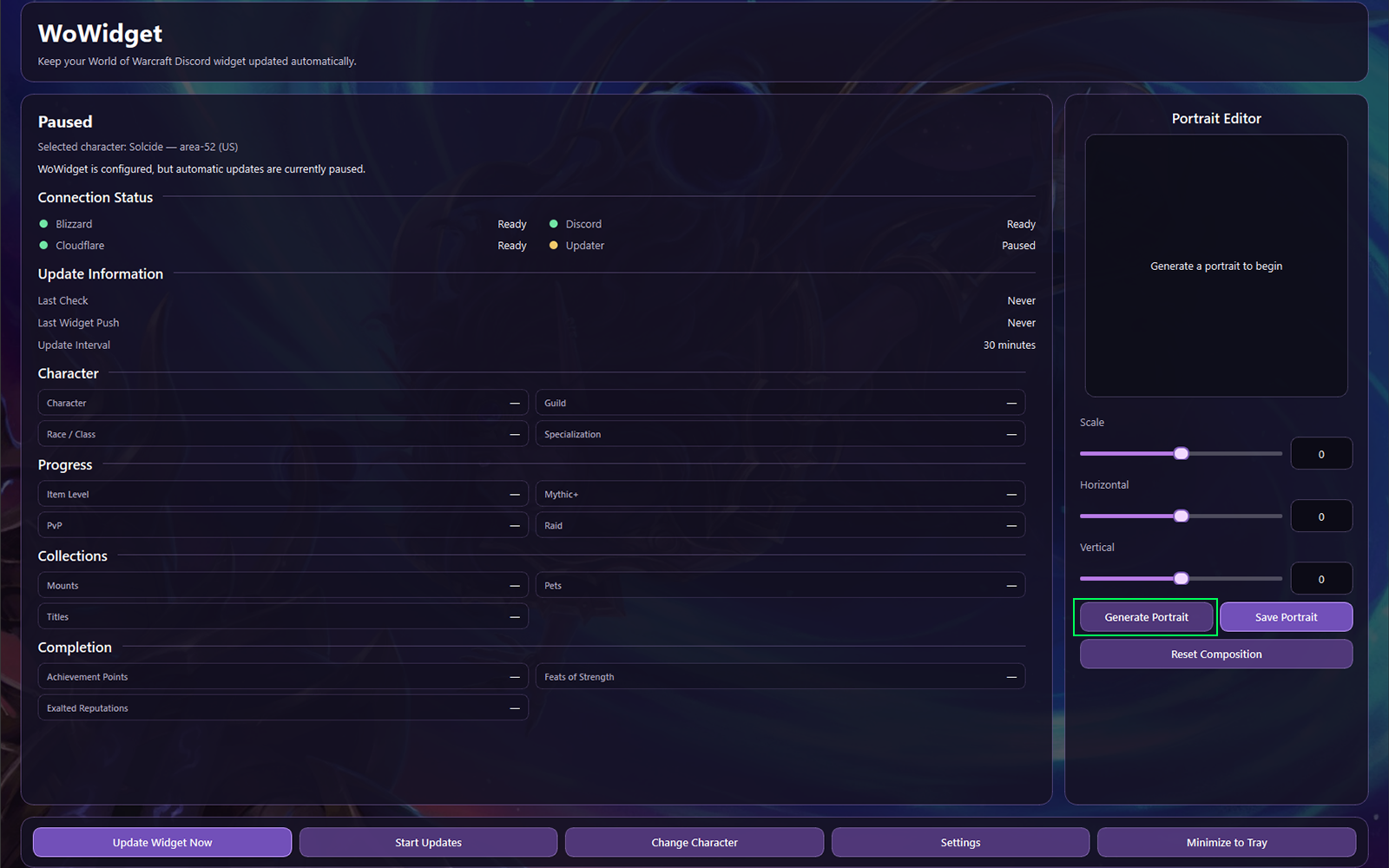
Position the character
Drag and scale the model until the important parts of the character remain visible inside the portrait guide. The final widget places text on the left and the model on the right, so the composition should favor the upper-right portion of the canvas.
Frame for the Hero layout
- Keep the face and upper torso clearly visible.
- Place the model near the right edge.
- Leave the left side open for character text.
- Keep signature weapons, wings, or class effects visible when possible.
Common composition problems
- Centering the character over the text area.
- Cropping the face, horns, or primary weapon.
- Making the model too small to read at Discord size.
- Relying on details outside the visible guide area.
Save and review the portrait
Select Save Portrait when the composition is ready. The saved portrait becomes the value sent through the character_model image field during the next widget update.
Save the portraitExport the current position and crop.
Update the widgetSend the saved portrait and current character data to Discord.
Review on your profileCheck the real Discord widget rather than relying only on the editor preview.
Refine when neededReturn to Portrait Studio, reposition, save, and update again.
Next guide
Keep the widget current
Learn the difference between manual updates, automatic intervals, and the data WoWidget refreshes.